
How to host a game
You set up the game in a couple of minutes, put it on a big screen, and everyone plays from their own phone. All you do is set the pace.
The whole thing on video, start to finish (2 minutes, with sound).
What you need
A host account
A name and a password. Whoever runs DecaMind gives you one or, if sign-ups are open, you can create it yourself from “I'm hosting”.
One screen for everyone
A computer hooked up to the TV or a projector. It's not a must, but that's where everyone sees the questions nice and big, the timer and the leaderboard.
A phone per player
With an internet connection and that's it: no apps, no sign-ups. Up to 300 players fit in one room.
Set up the game
1Log in with your password
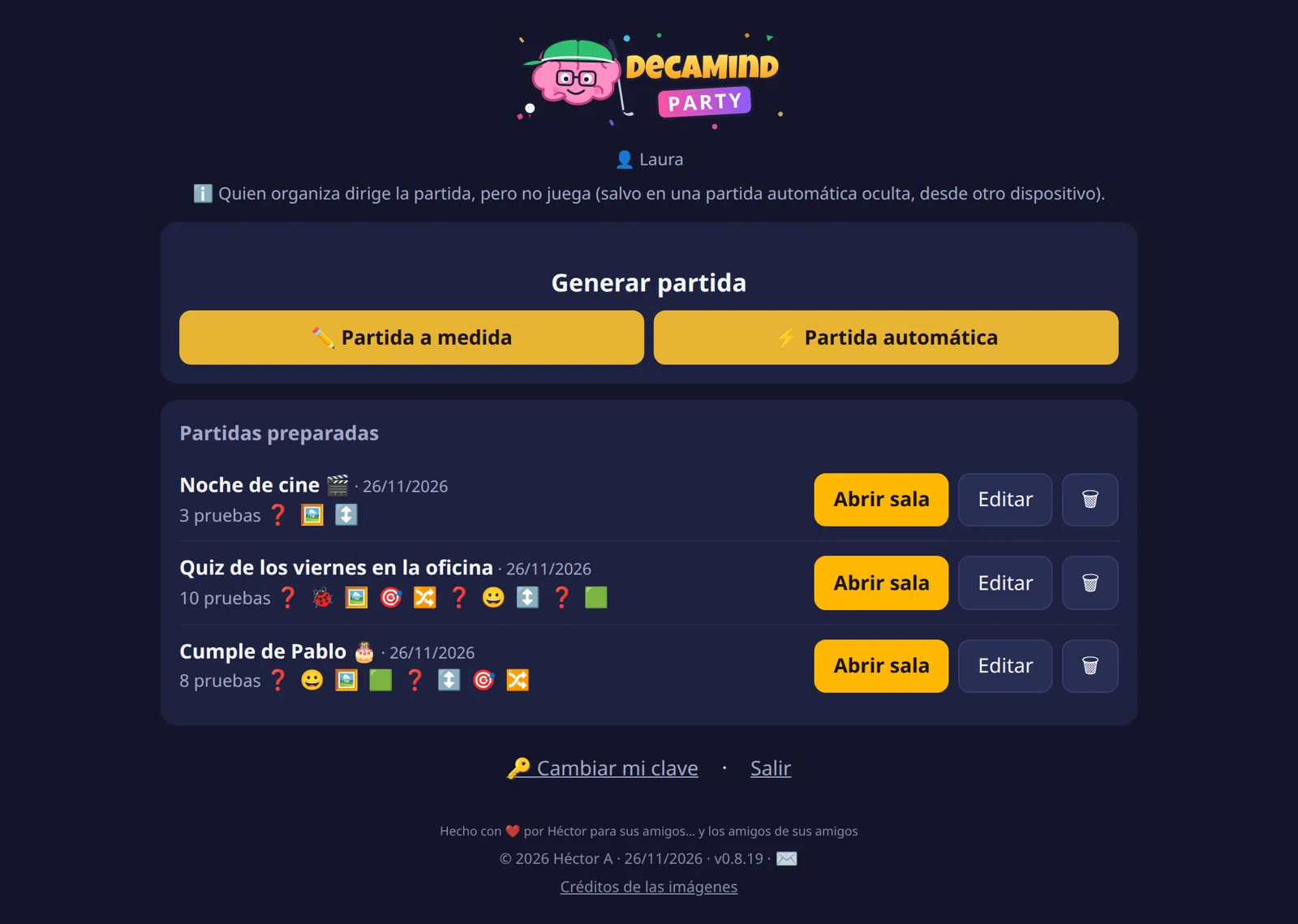
On decamind.app, right at the bottom, tap 🔑 I'm hosting and type your password. That takes you to your dashboard.
There you'll find the buttons to create a new game, your saved games (with their dates) and, if there are any, your open rooms.
You can also change your password from the dashboard whenever you like.
2Generate an automatic game
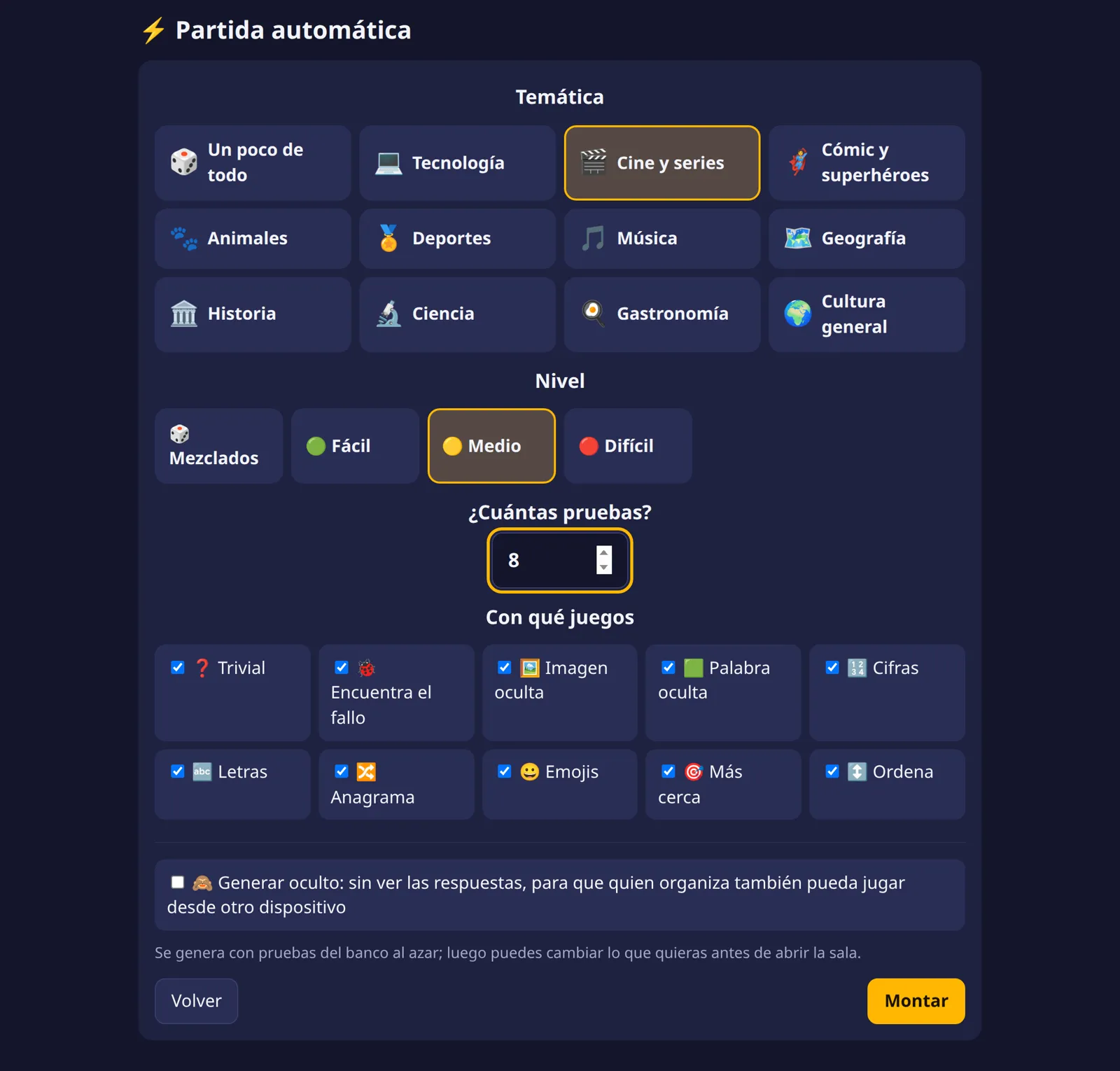
Tap ⚡ Automatic game and choose:
- Topic: movies, music, history, sports… or a bit of everything.
- Level: easy, medium, hard or mixed.
- How many rounds (up to 50) and which games.
Tap Build and the game is pulled from a bank of over 3,300 rounds, with no repeats.
Rather make it yourself? With ✏️ Custom game you start from an empty game and add rounds one by one, with your own questions and pictures.
3Check it and tweak it
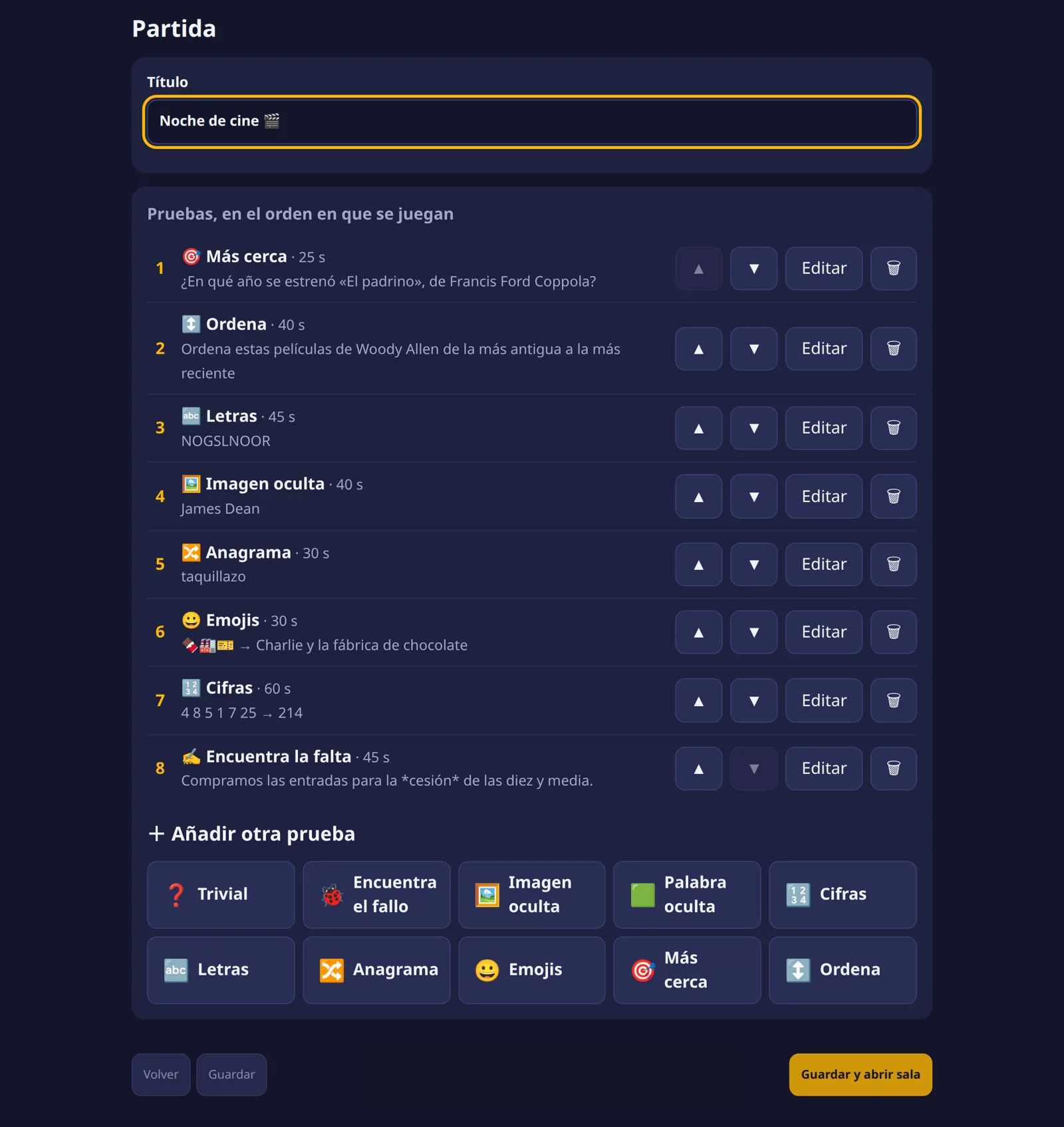
You see every round in the order it'll be played, with its question and answer. You can:
- Give it a title.
- Reorder rounds with ▲ ▼ or remove the ones you don't like 🗑.
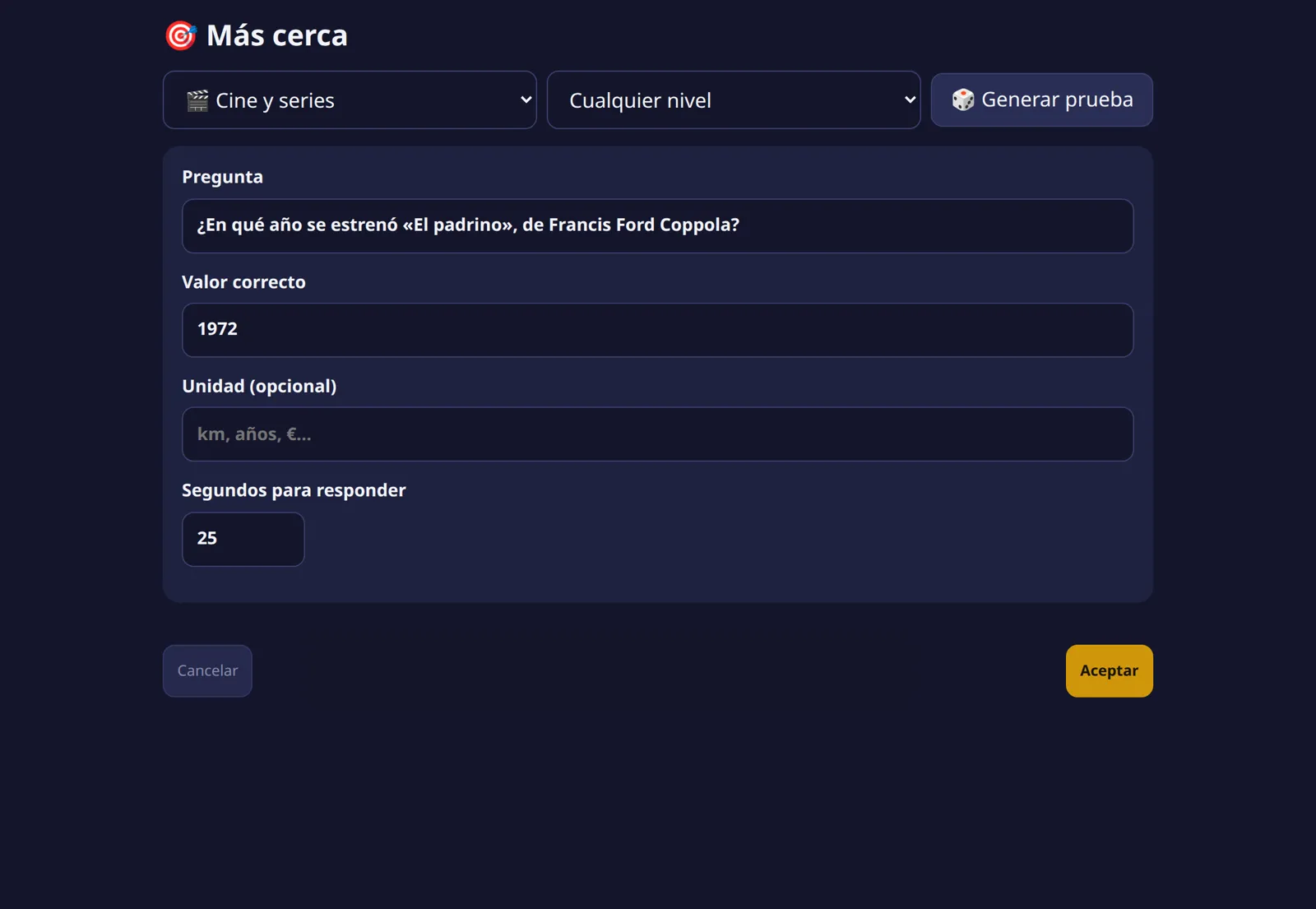
- Edit a round: change the text or the seconds, or tap 🎲 Generate round to get a different one from the bank, in the topic and level you pick.
- Add another round from any of the 10 games.
When it's ready, Save it for another day or Save and open room to play right now.
🙈 Want to play too?
The host runs the game but doesn't play. Unless it's a hidden game: in the automatic game, tick 🙈 Generate hidden.
It gets built without showing you the questions or the answers (you only see which game each round is), so you can join from another device and play like everyone else.
Open the room
4Put it on screen and let them in
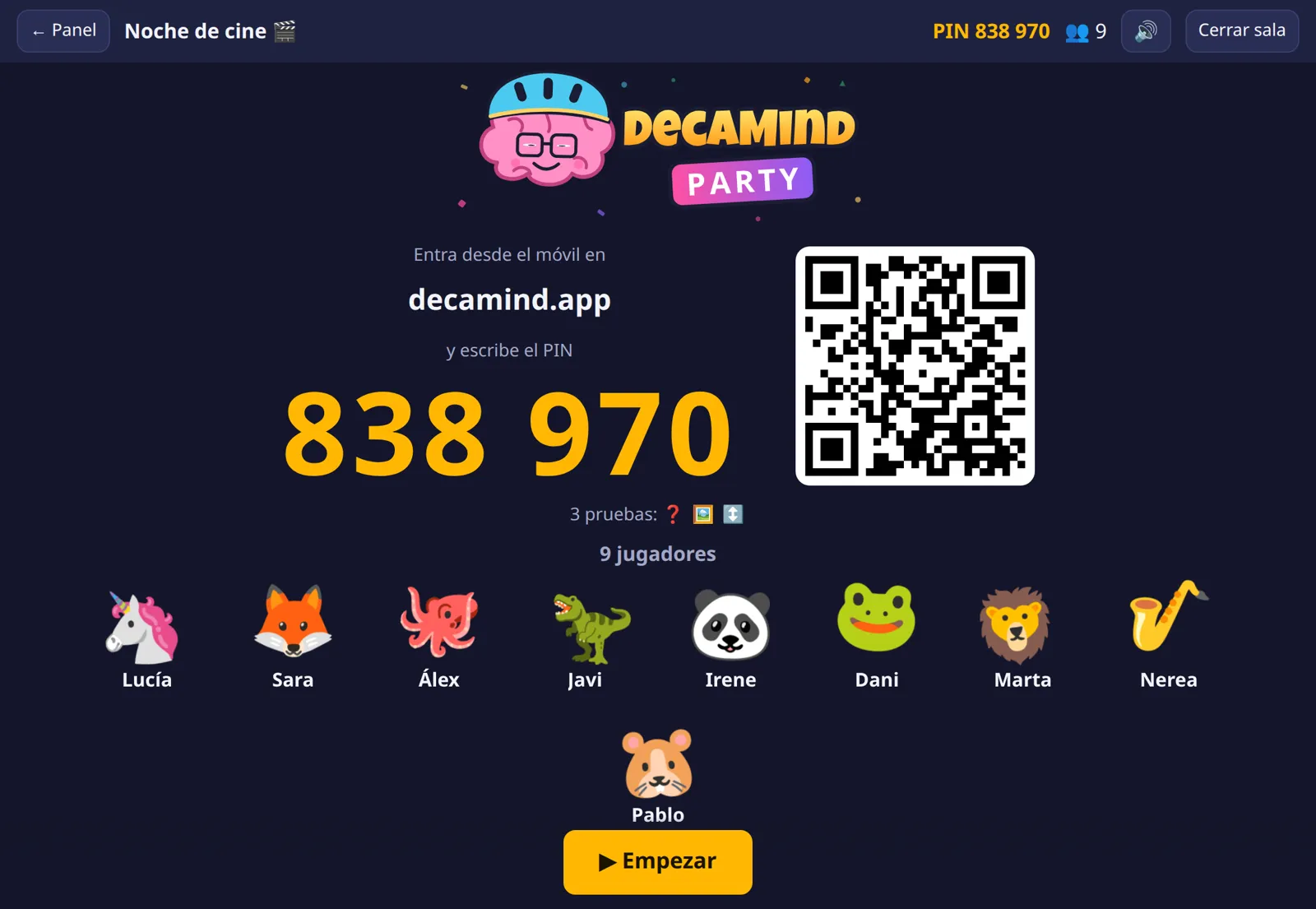
When you open the room you get a 6-digit PIN and a QR code. Put this screen up on the TV or projector.
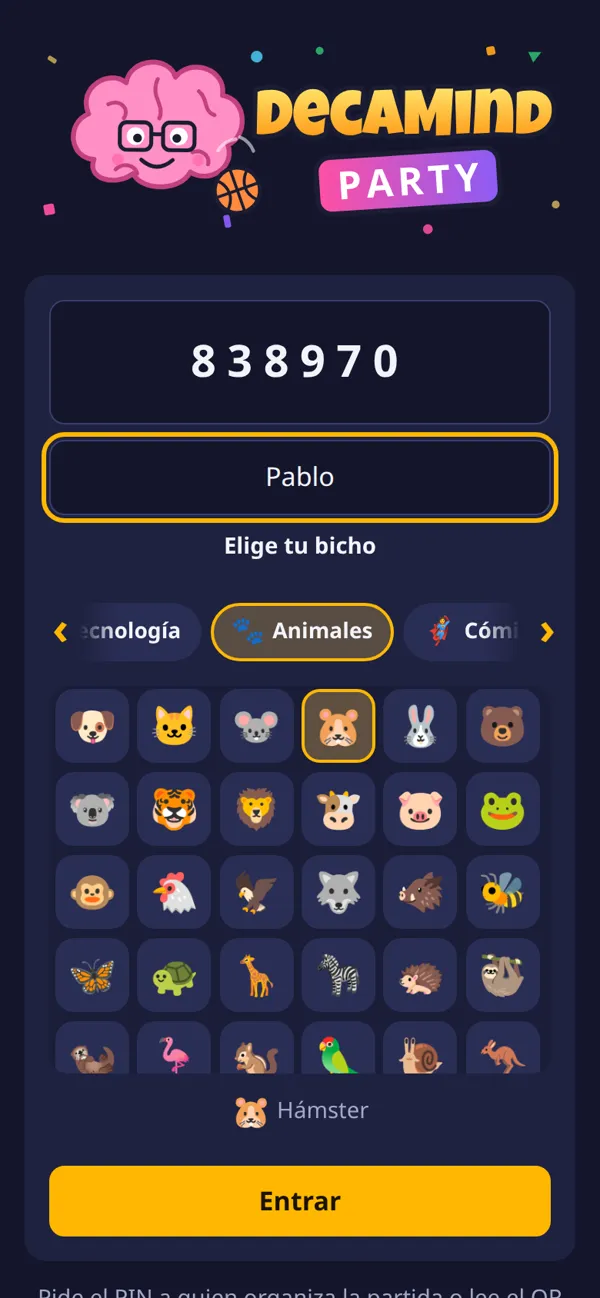
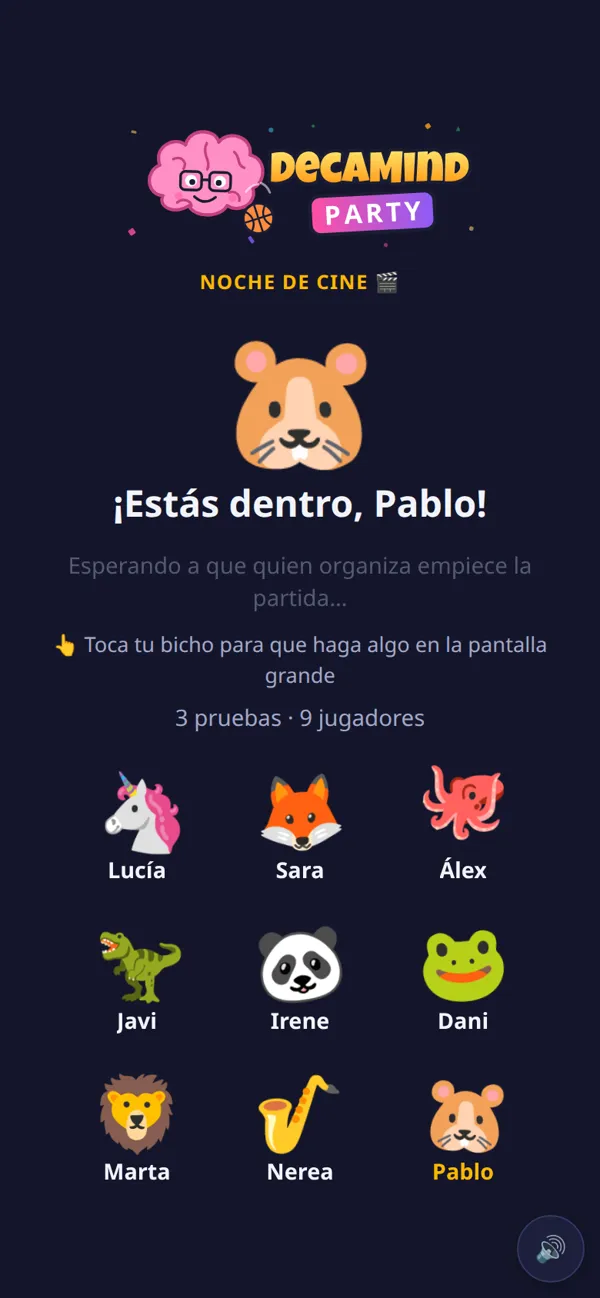
Each player goes to decamind.app and enters the PIN (or scans the QR with their camera), types a nickname and picks their critter. You'll see them pop up on your screen.
While you wait, tapping their critter on the phone makes it do a little trick on the big screen. There's some waiting-room music, which you can mute with 🔊.
If someone shouldn't be there, tap their critter on your screen to kick them out of the game.
Run the game
5You set the pace
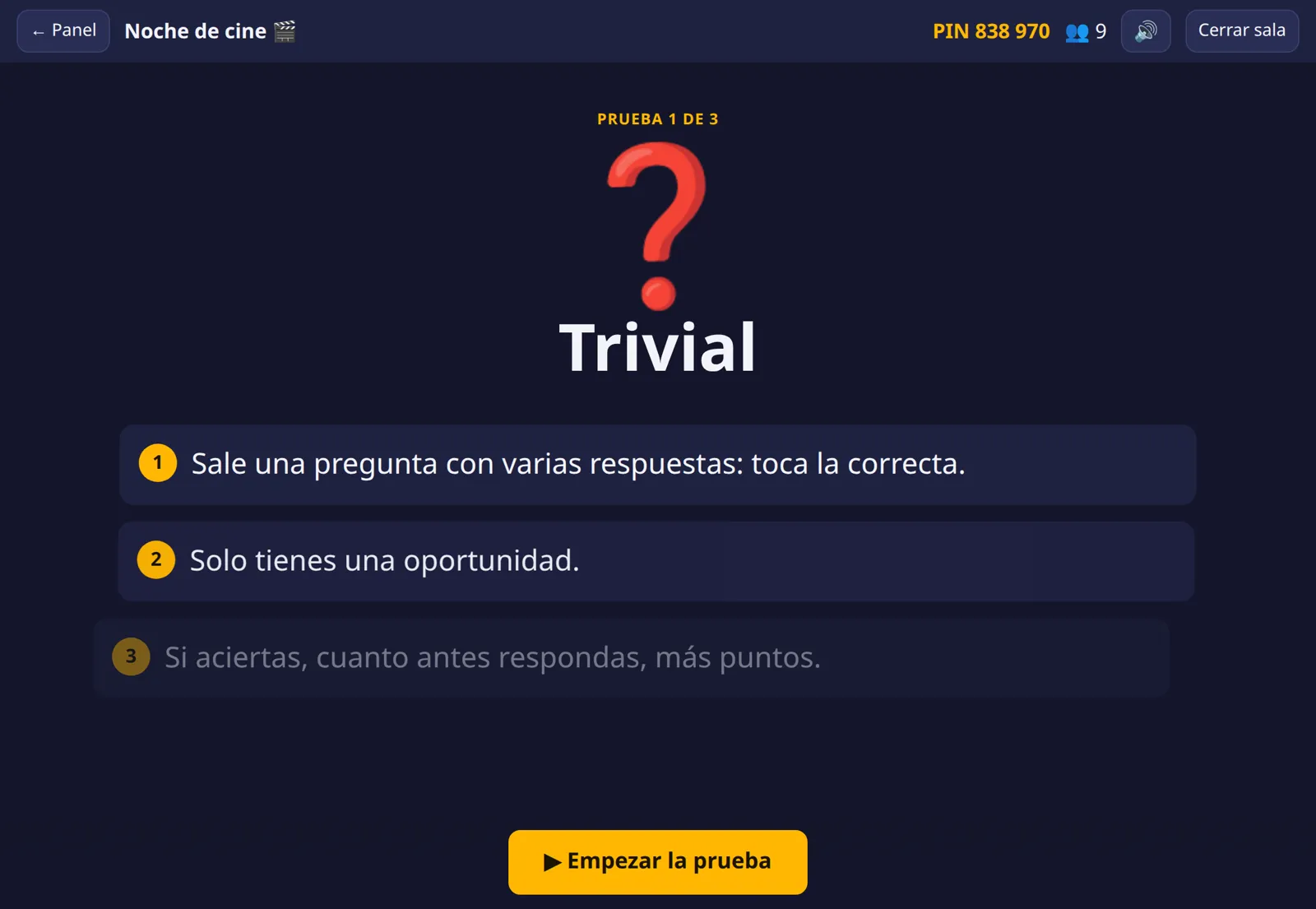
Tap ▶ Start once everyone's in. Before each round there's an intro: which game it is and how to play, on the big screen and on the phones.
Once everyone's read it, ▶ Start the round: countdown, and go!
6Everyone plays at once
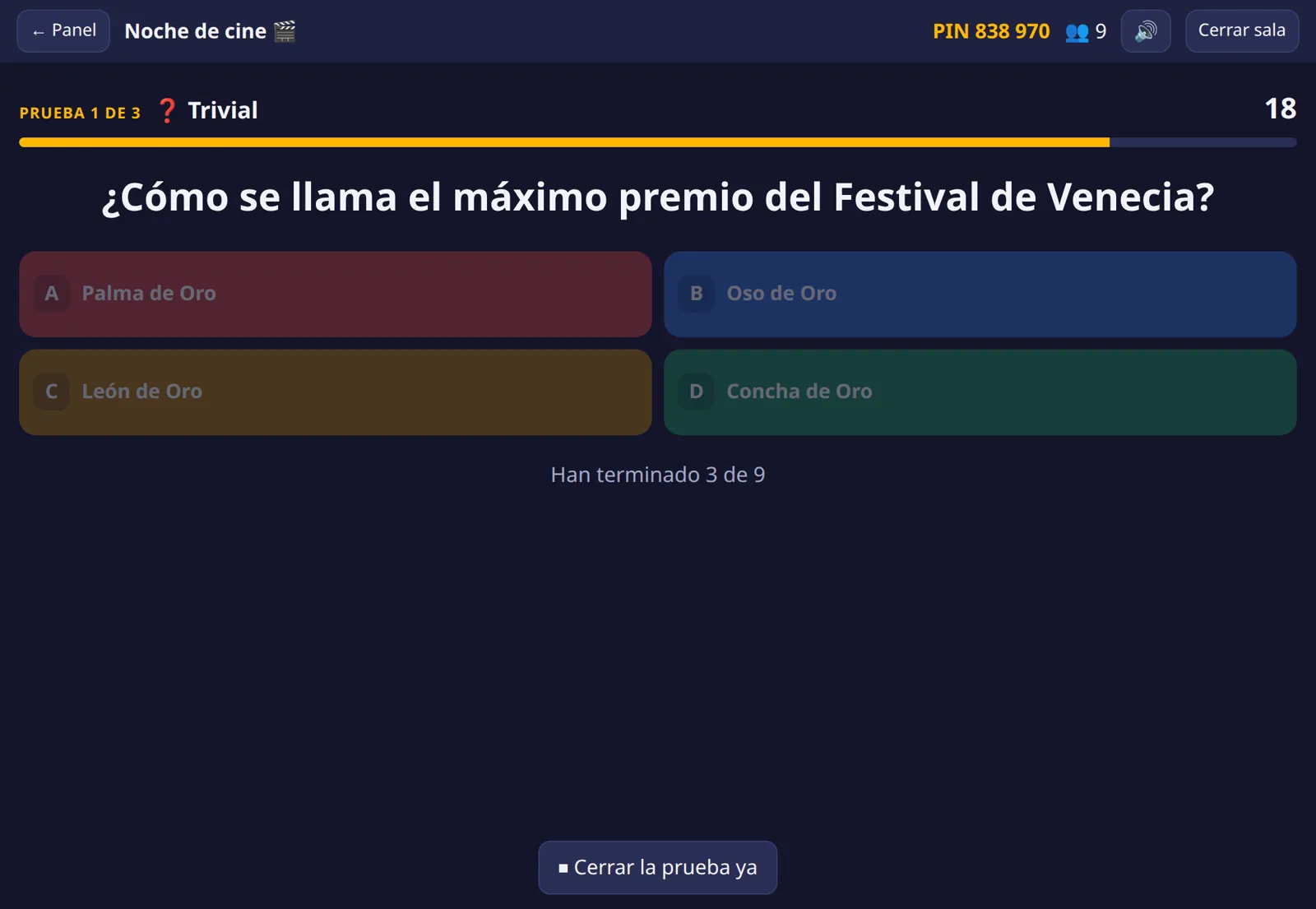
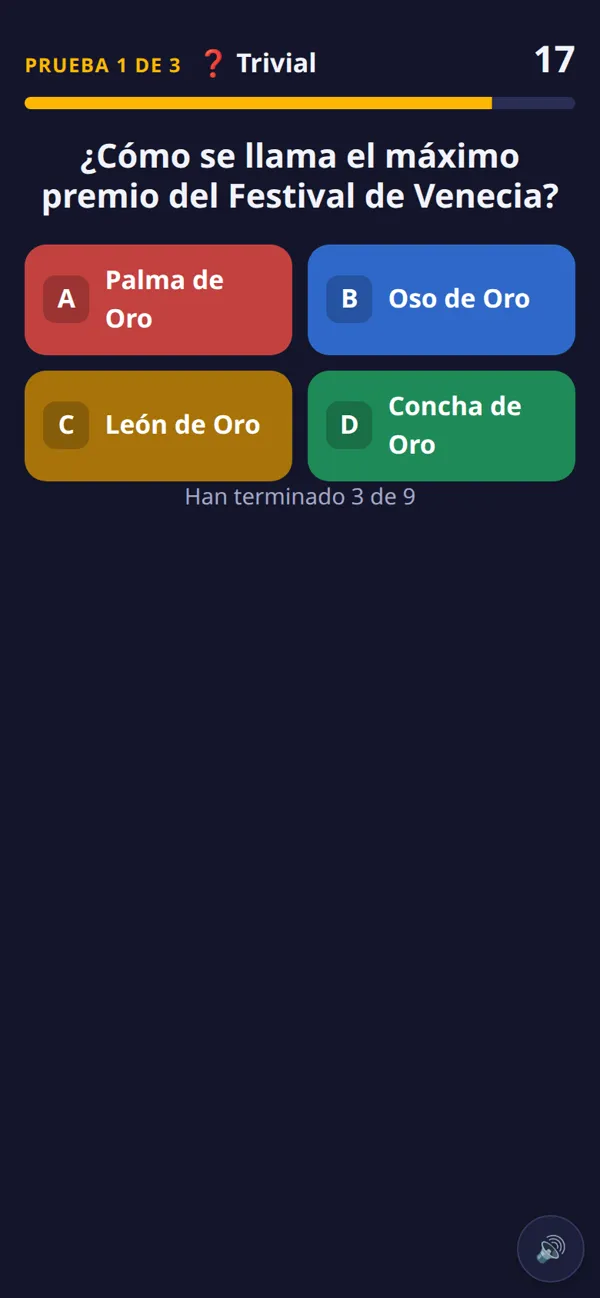
The question shows up on your screen and each player answers on their phone, all on the same clock. The faster you get it right, the more points you score.
At the bottom you can see how many have finished. The round closes by itself when everyone has answered or time runs out; if someone's taking forever, there's ⏹ Close the round now.
7Answer, points and leaderboard
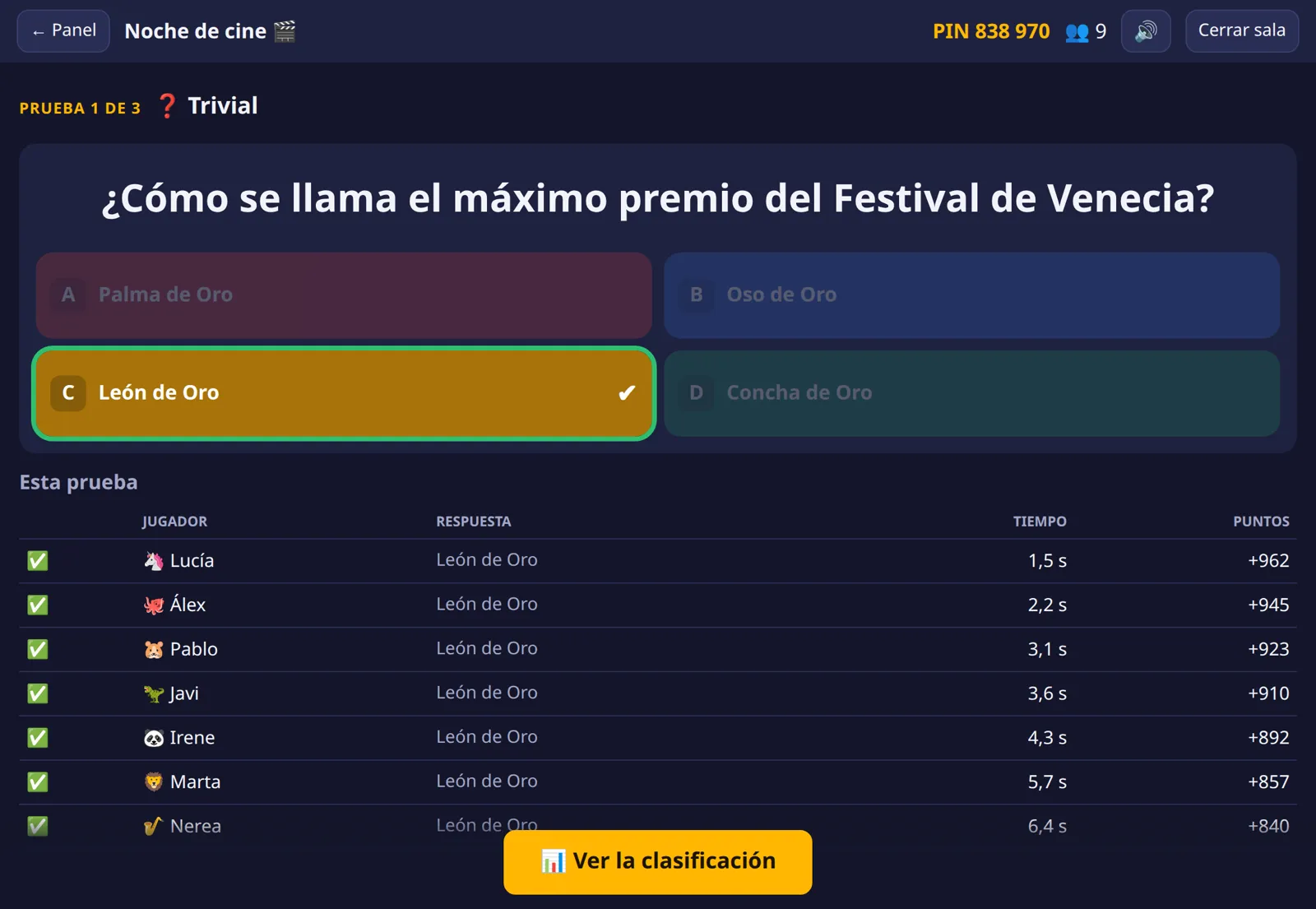
When the round closes, the answer is revealed along with what everyone said, their time and their points. Each player also sees on their phone how they did and where they stand.
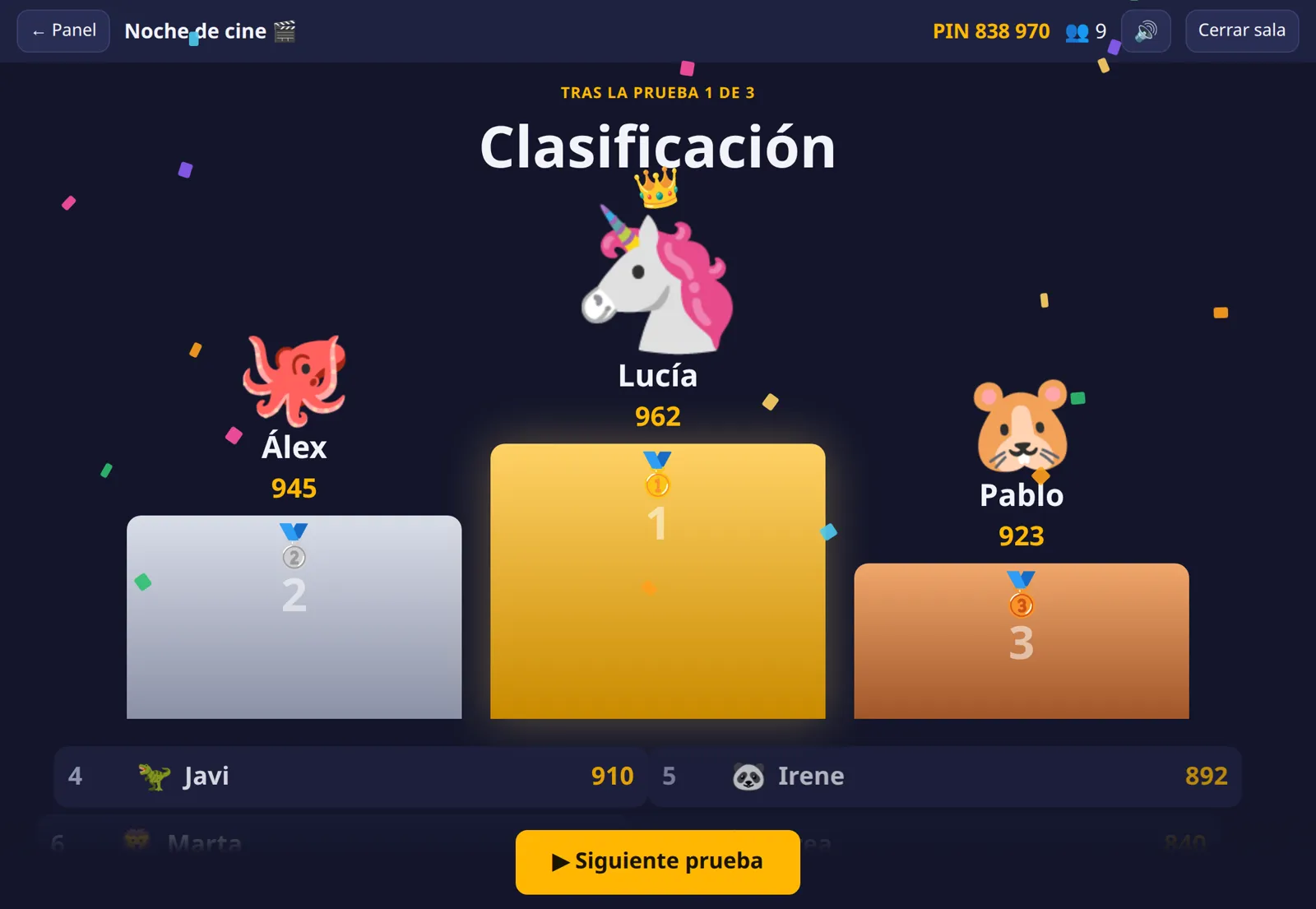
📊 Show leaderboard brings up the overall standings, with the podium and who's moving up or down. Then, ▶ Next round.
When it's over
8The podium!
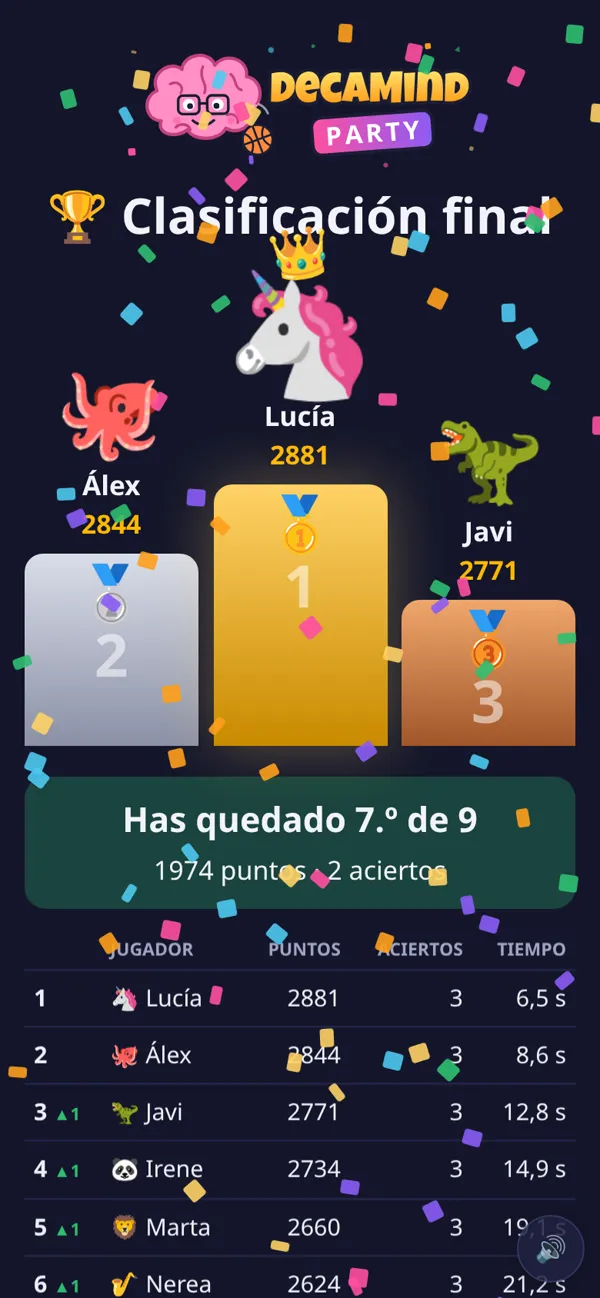
After the last round, 🏆 Final standings: a podium with confetti and the full table. Each player sees on their phone where they finished.
Then you can ↺ Play again with the same players (back to the waiting room with scores reset to zero) or Close room.
Your games stay saved in your dashboard, so you can open them another day, edit them or delete them. A room you leave open closes by itself after 12 hours.

The 10 games
Mix them however you like. The ones with levels come from the bank as easy, medium or hard; Numbers and Letters are randomly generated every time.
Easy · Medium · Hard
Easy · Medium · Hard
Easy · Medium · Hard
Easy · Medium · Hard
Easy · Medium · Hard
Easy · Hard
Frequently asked questions
How long does a game take?
It depends on how many rounds you add: each one lasts between 20 seconds and 2 minutes, plus the intro and the results. With 10 rounds, figure on 15 to 20 minutes.
What if someone's connection drops or their phone locks?
They just rejoin on the same phone and pick up where they left off, points and all. You don't have to do a thing.
Do I have to put it on a big screen?
It's not essential, but it's way more fun: the big screen shows the questions, the timer, the results and the leaderboard. Players also see the question on their phones.
Can I use my own questions and pictures?
Yes. In any game, with Add another round or Edit, you write your own questions and, for Hidden picture, upload your own photo (or paste a web address).
Can I change how many seconds a round lasts?
Yes: when you edit it, under “Seconds to answer”.
How are points worked out?
In general, getting it right earns points and getting it right sooner earns more. In Closest wins it's how close you get; in Sort it, how many you put in the right place; in Letters, how long your word is.